Every procedure,
one step at a time.
HandbookFlows turns long handbooks into guided, clickable flows for large operations teams — warehouses, logistics, ground handling, production. Staff find the right procedure in seconds and follow it without guessing.
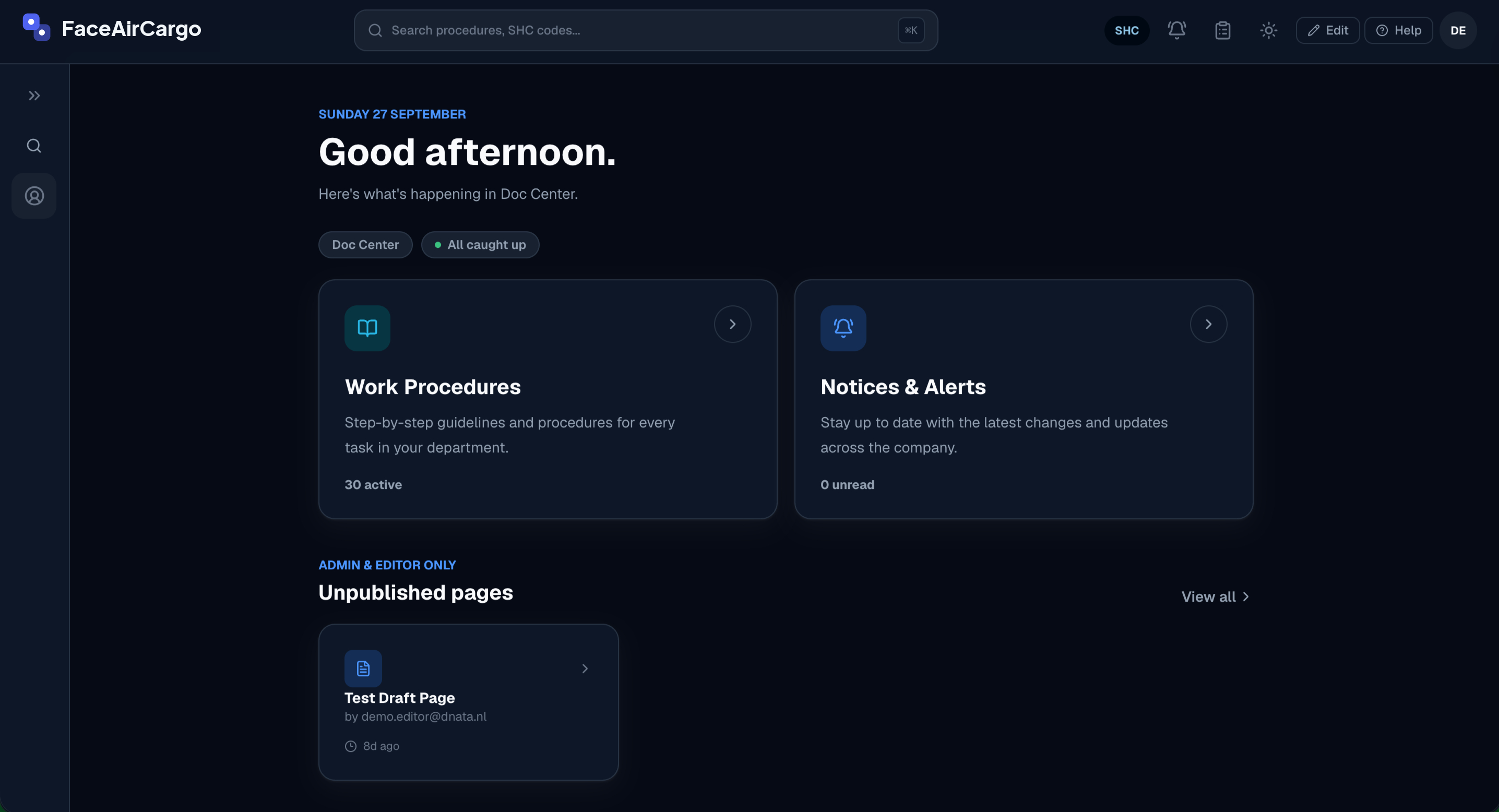
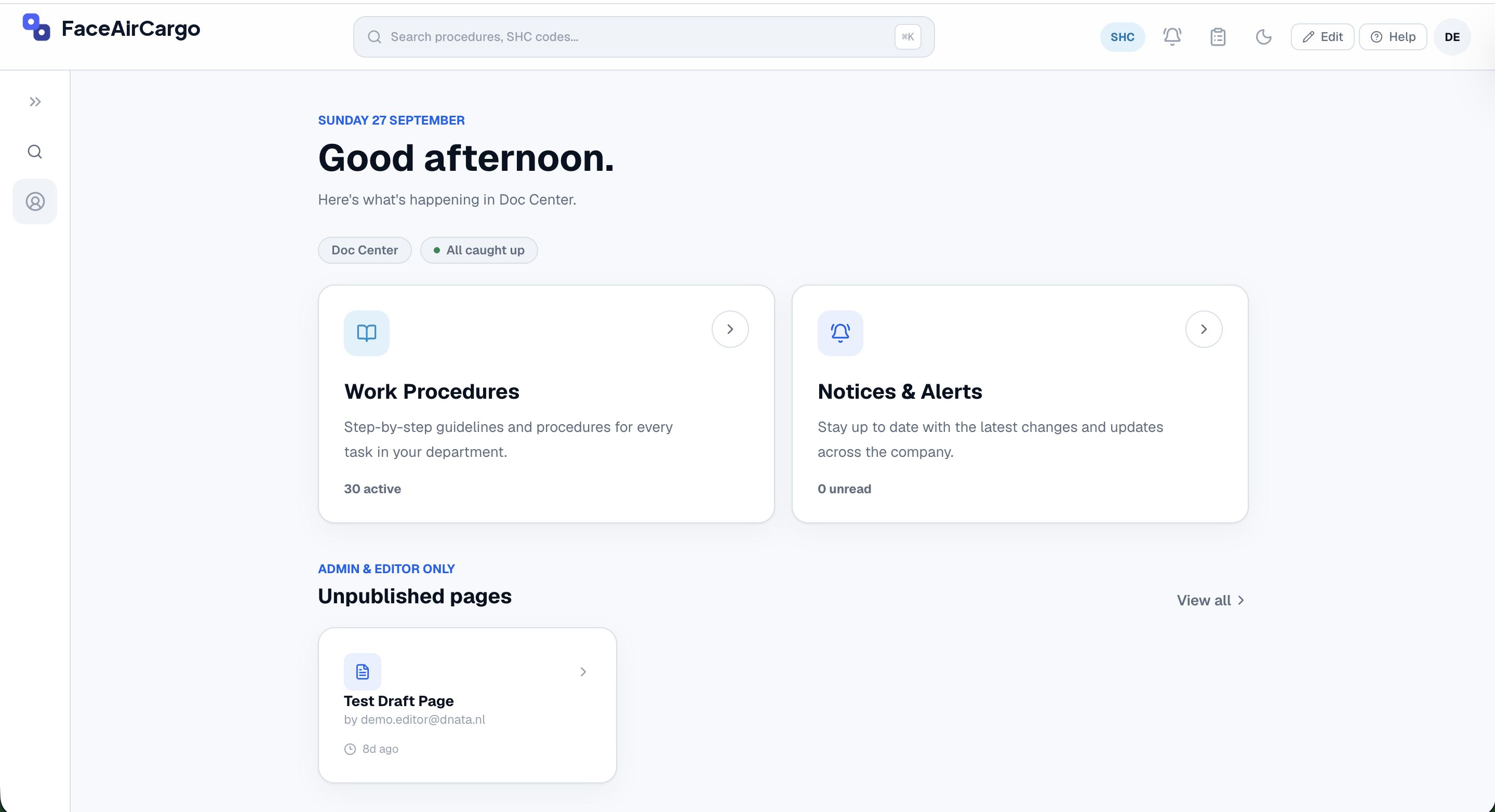
Built from the steps your team actually follows
Handbooks get read less and less
PDFs grow, rules change, and new staff ask the same questions again. Mistakes happen where the handbook is too long to check.
Good documentation isn't the version with the most detail. It's the one where the single line that matters is impossible to miss, flagged at the right severity, sitting exactly where the decision happens — not buried on page twelve.
That's 130+ hours a year for every frontline worker. Source: Unily, 2025.
Spend over two hours a day searching for answers. Source: Starmind, 2021.
Only 22% have properly digitised their work instructions. Source: Gartner.
How it works
Write it once
Editors turn a procedure into steps, choices, checklists and media — no technical skills needed.
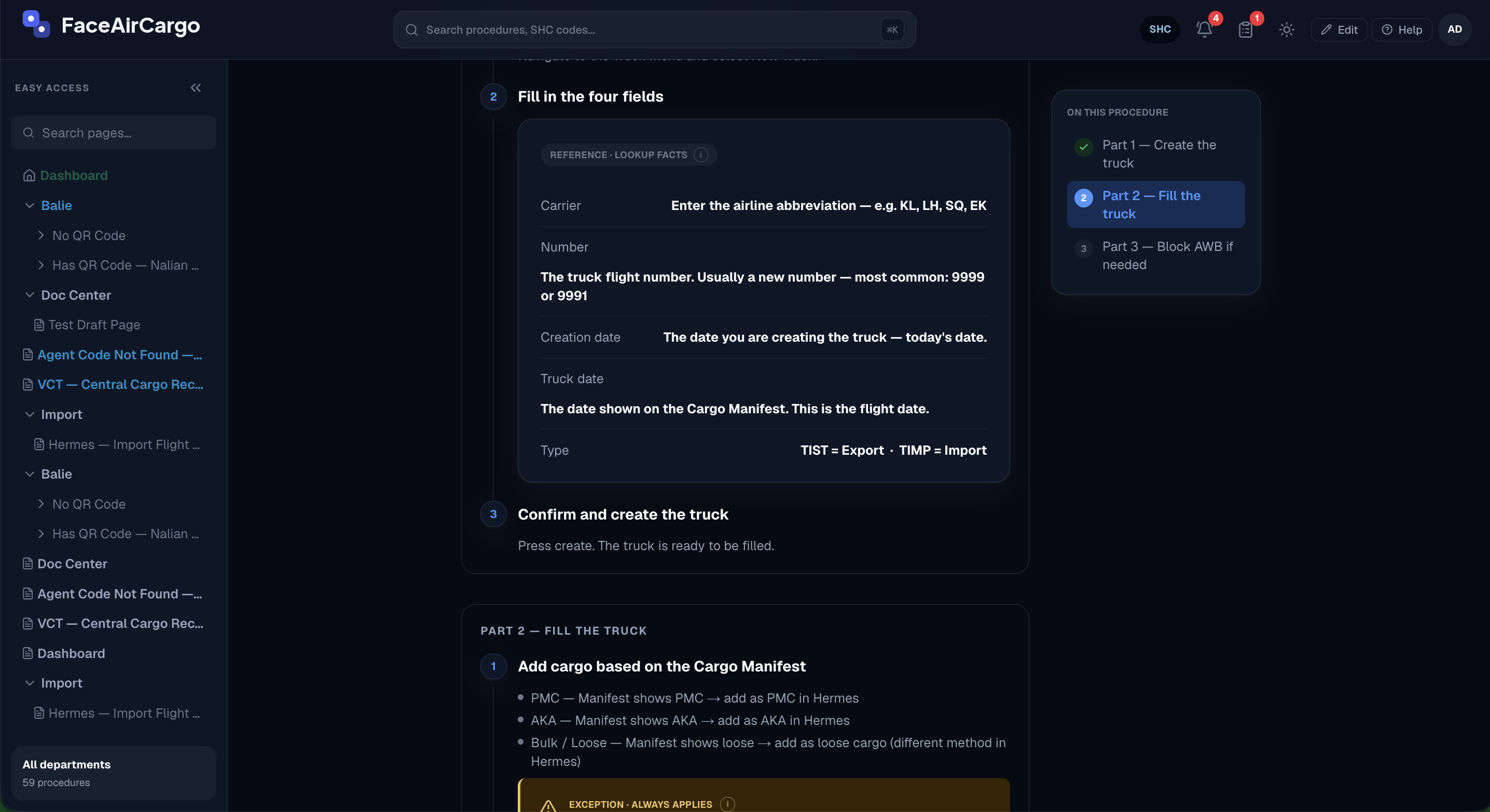
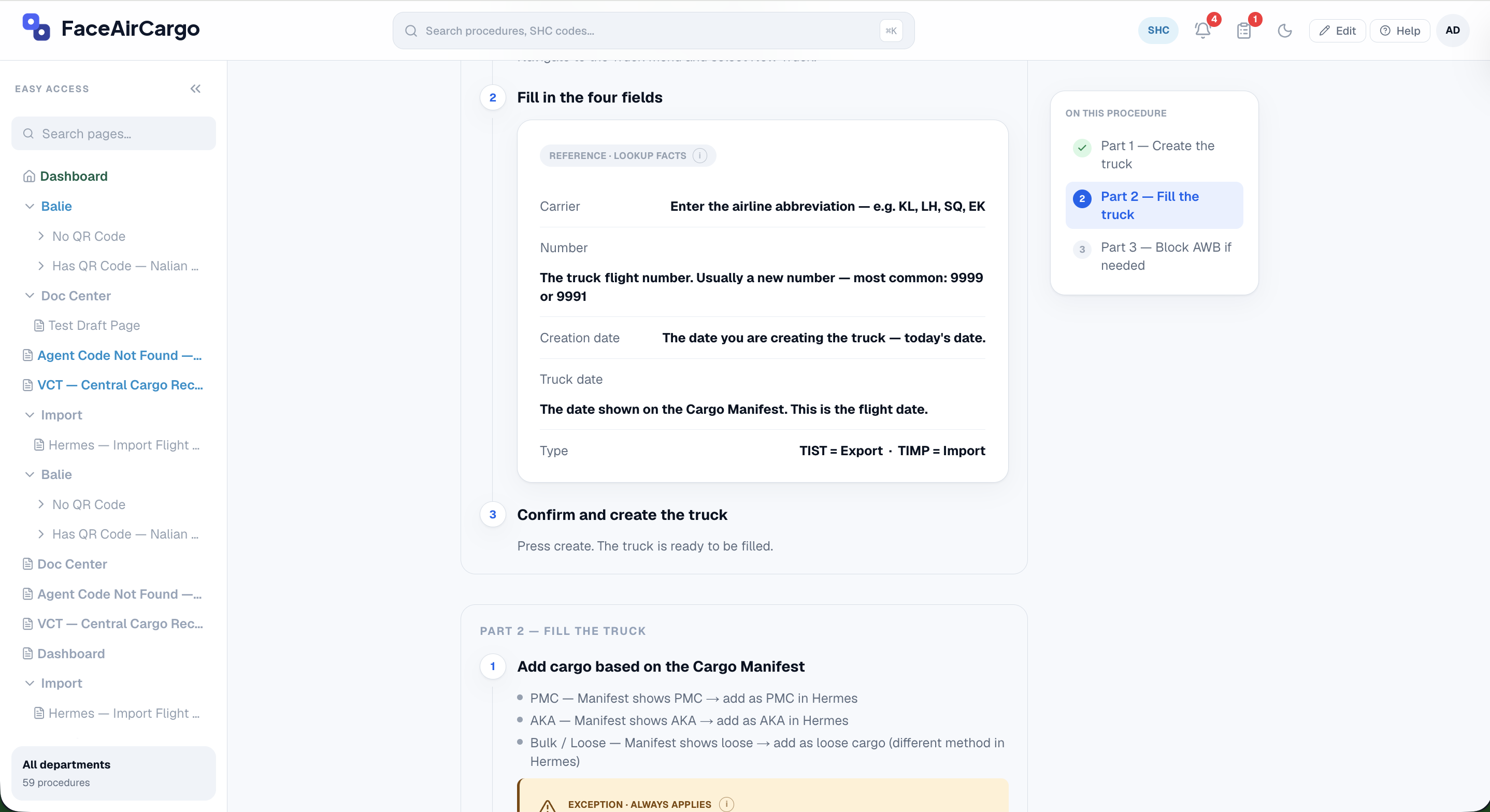
Guide every decision
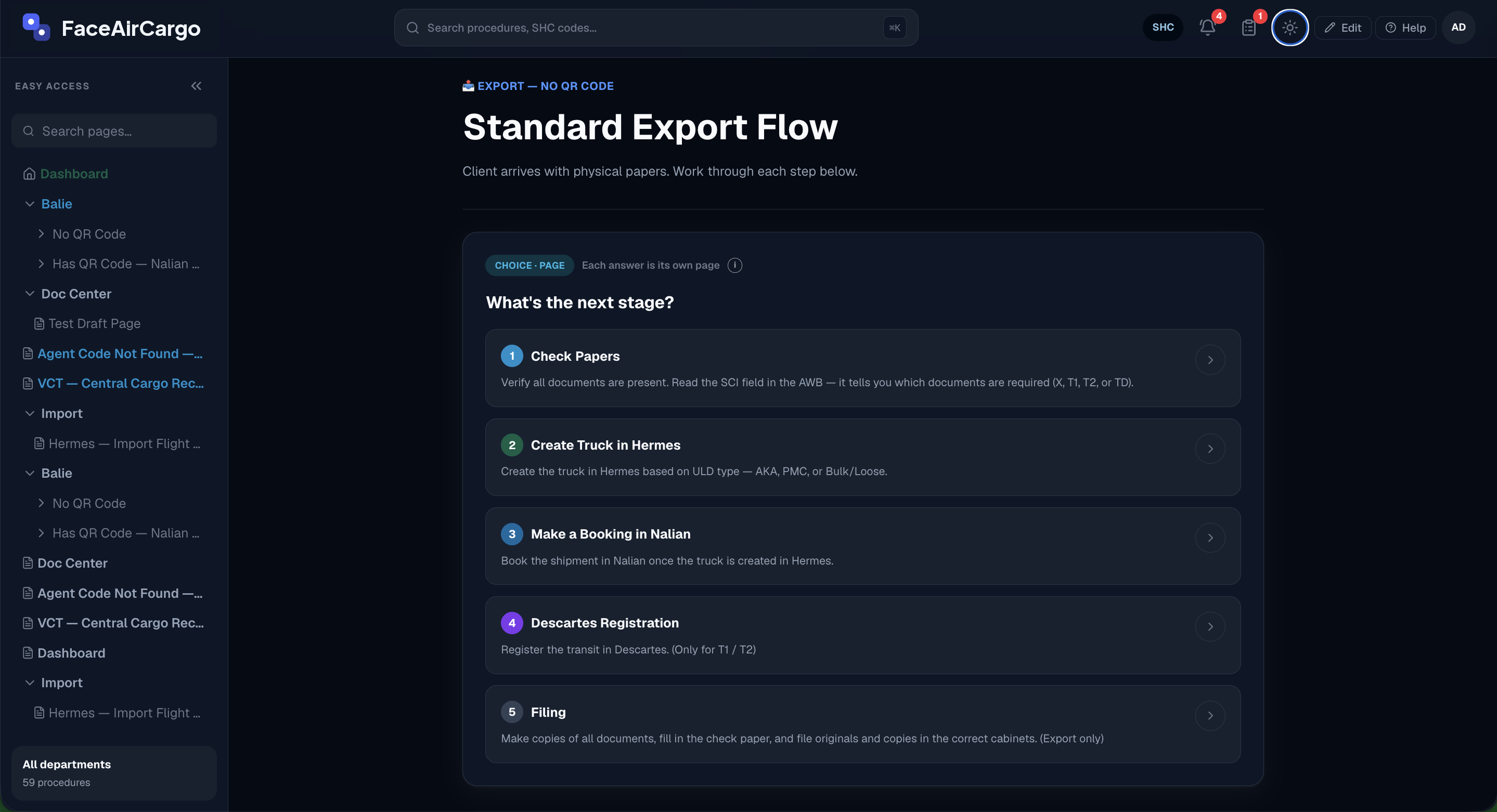
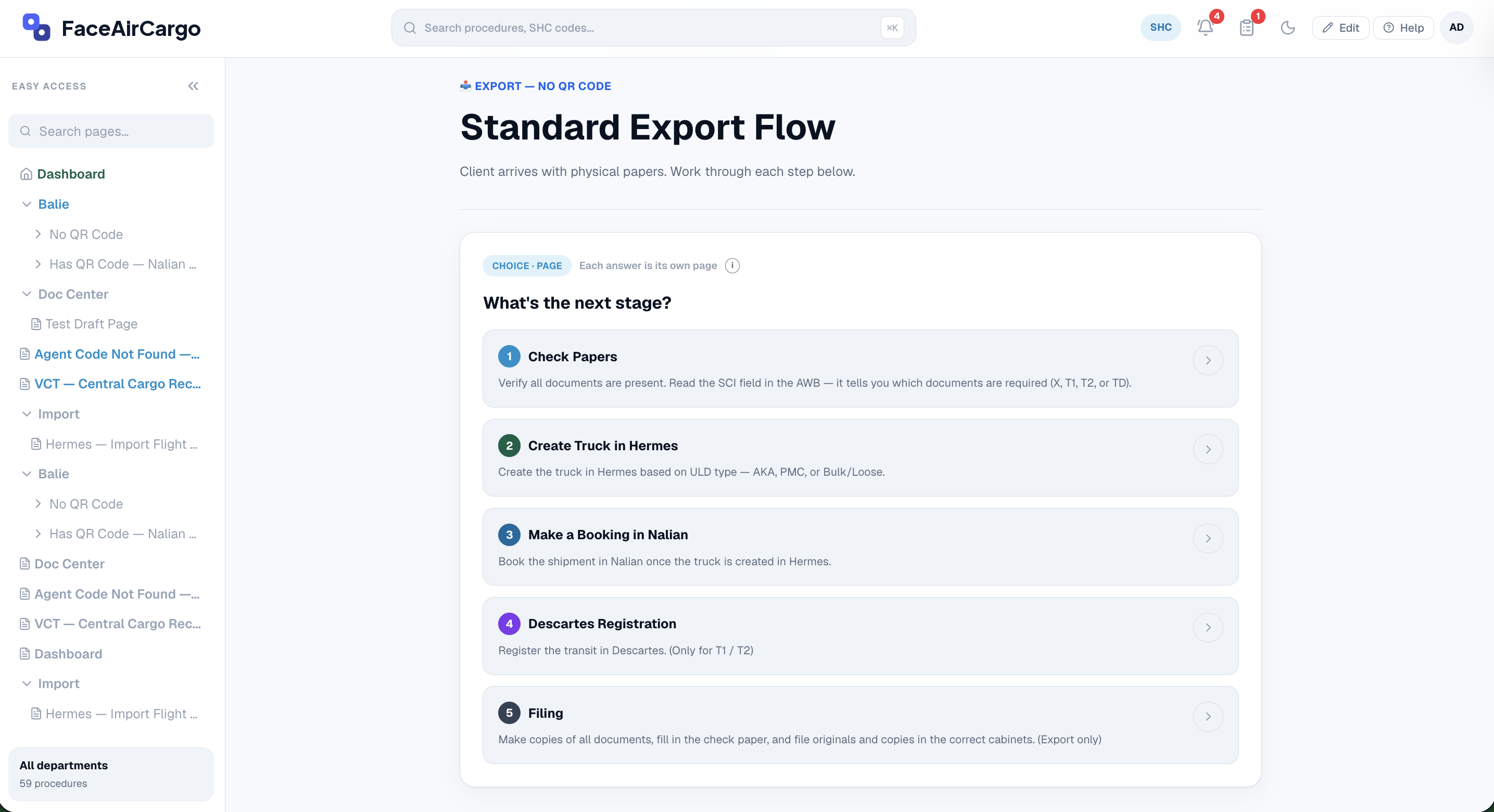
Each step asks the next question, so staff always land on the right path.
Publish and announce
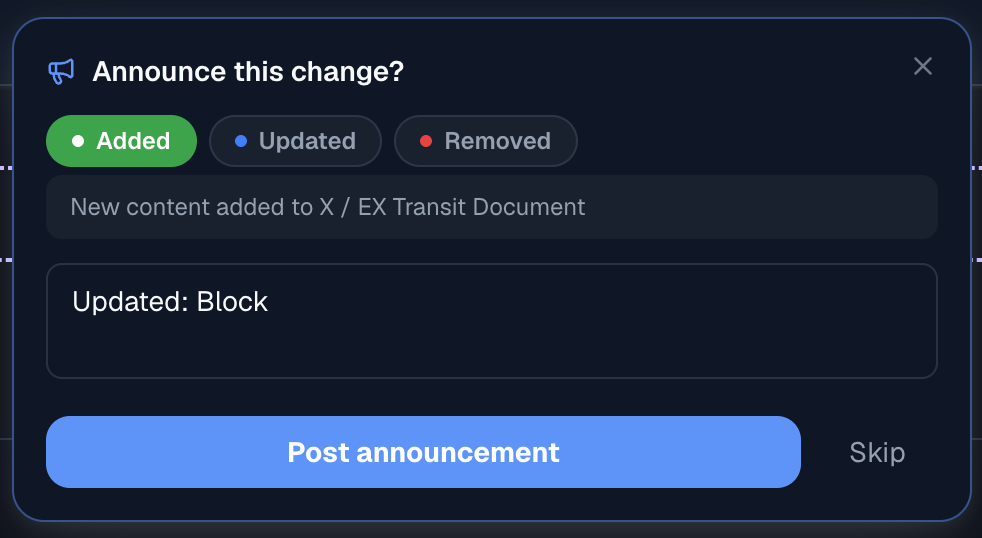
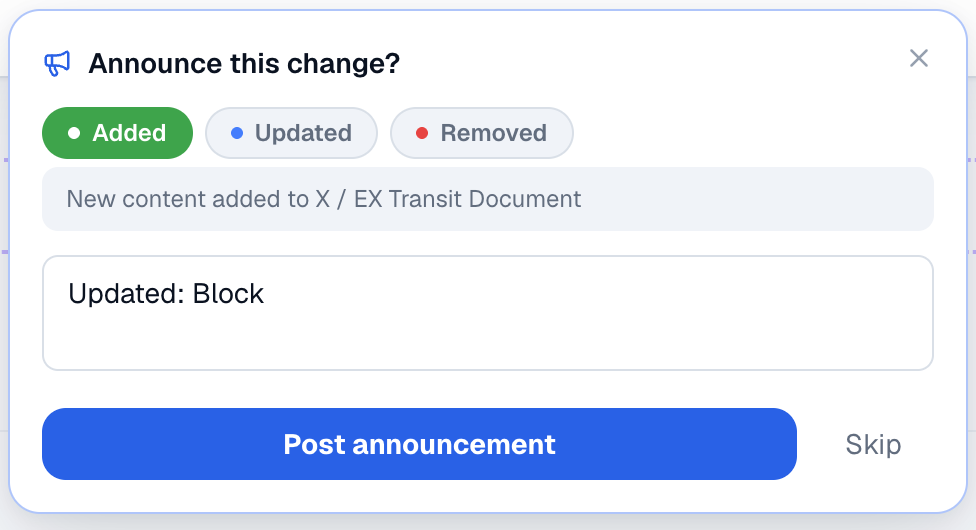
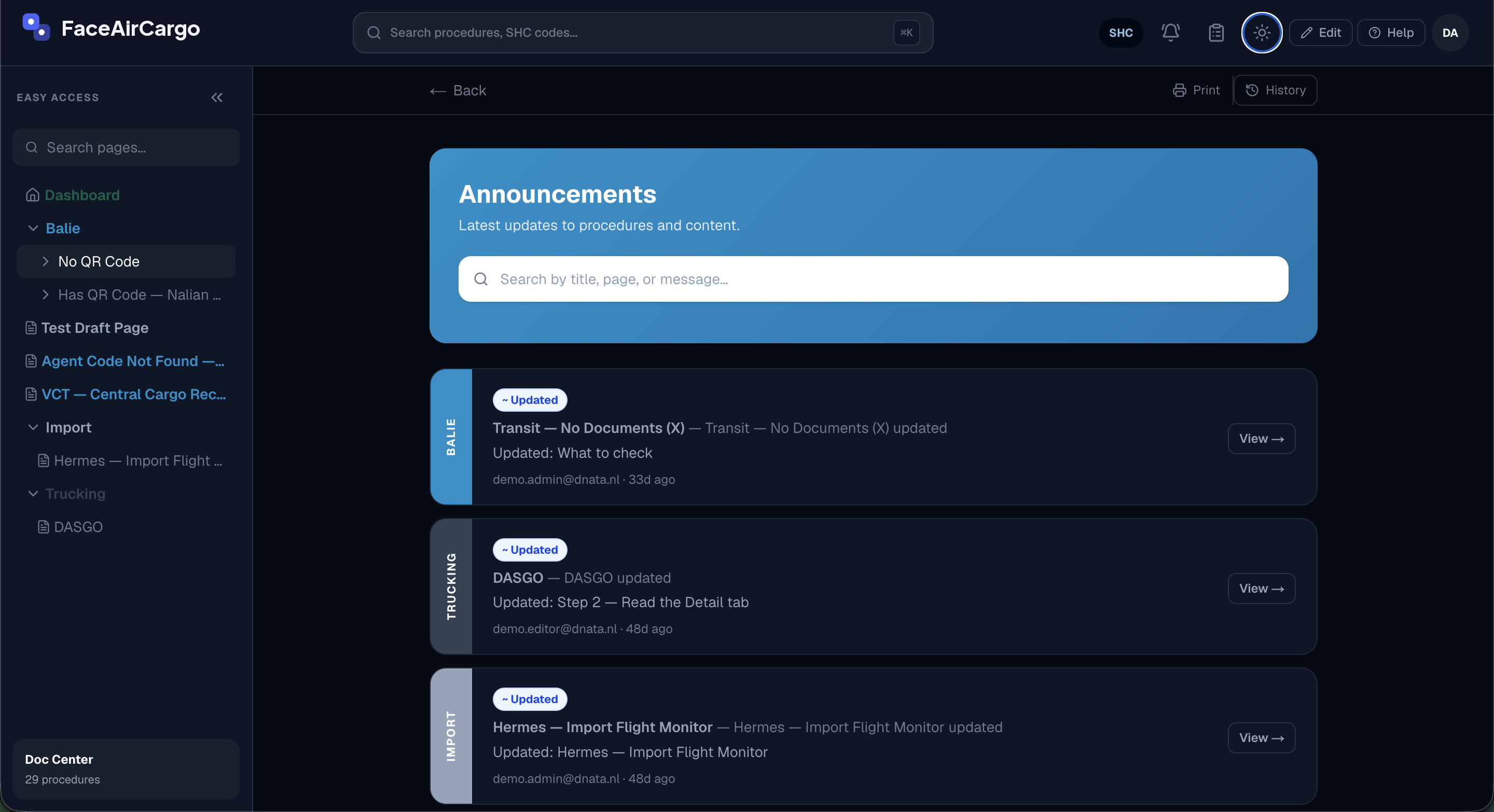
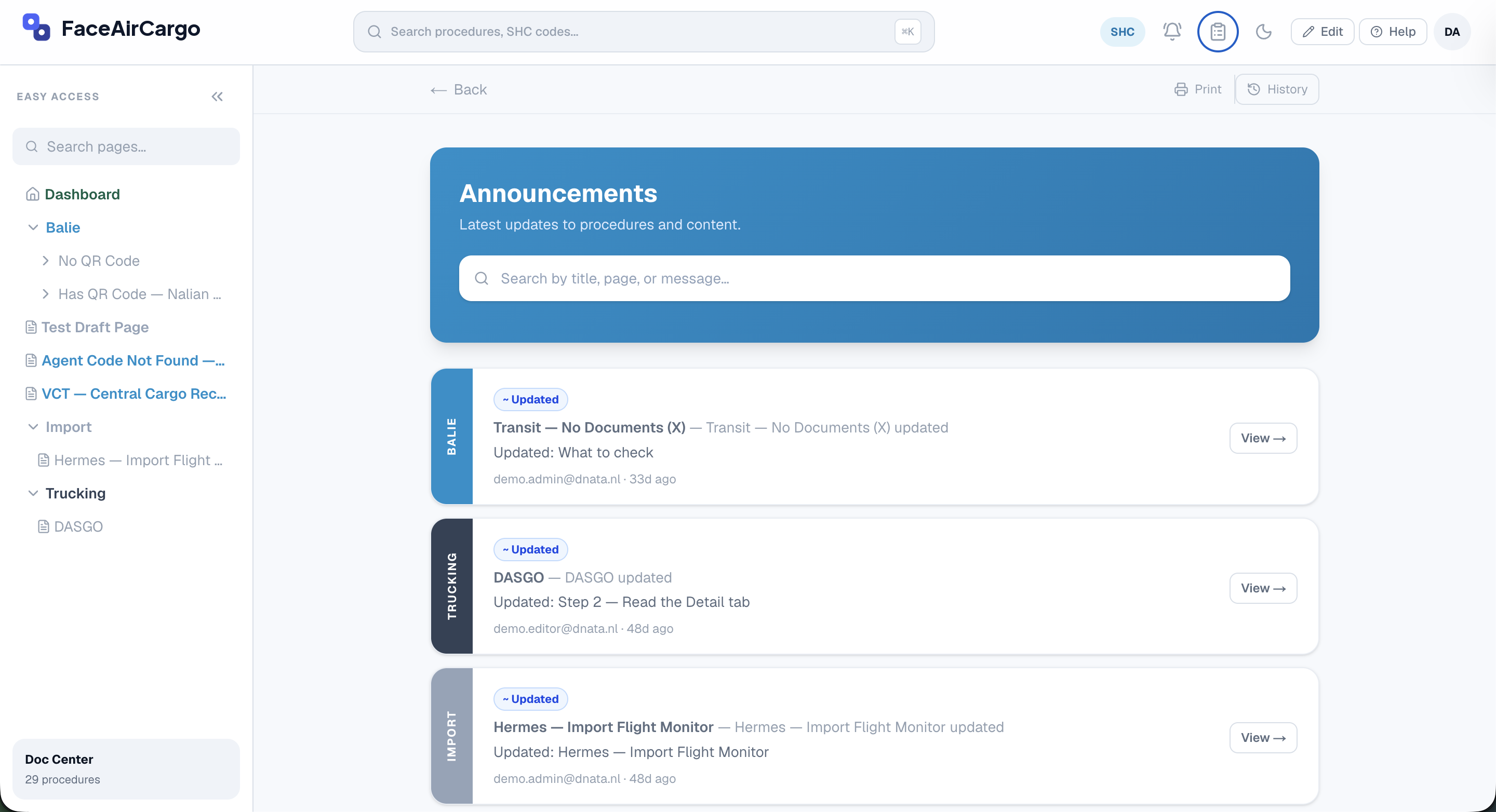
Press Update and choose whether to announce it: added, updated or removed, with a short note.
Everyone sees what changed
Every announcement lands on one page, grouped by department, with a link straight to the updated procedure.
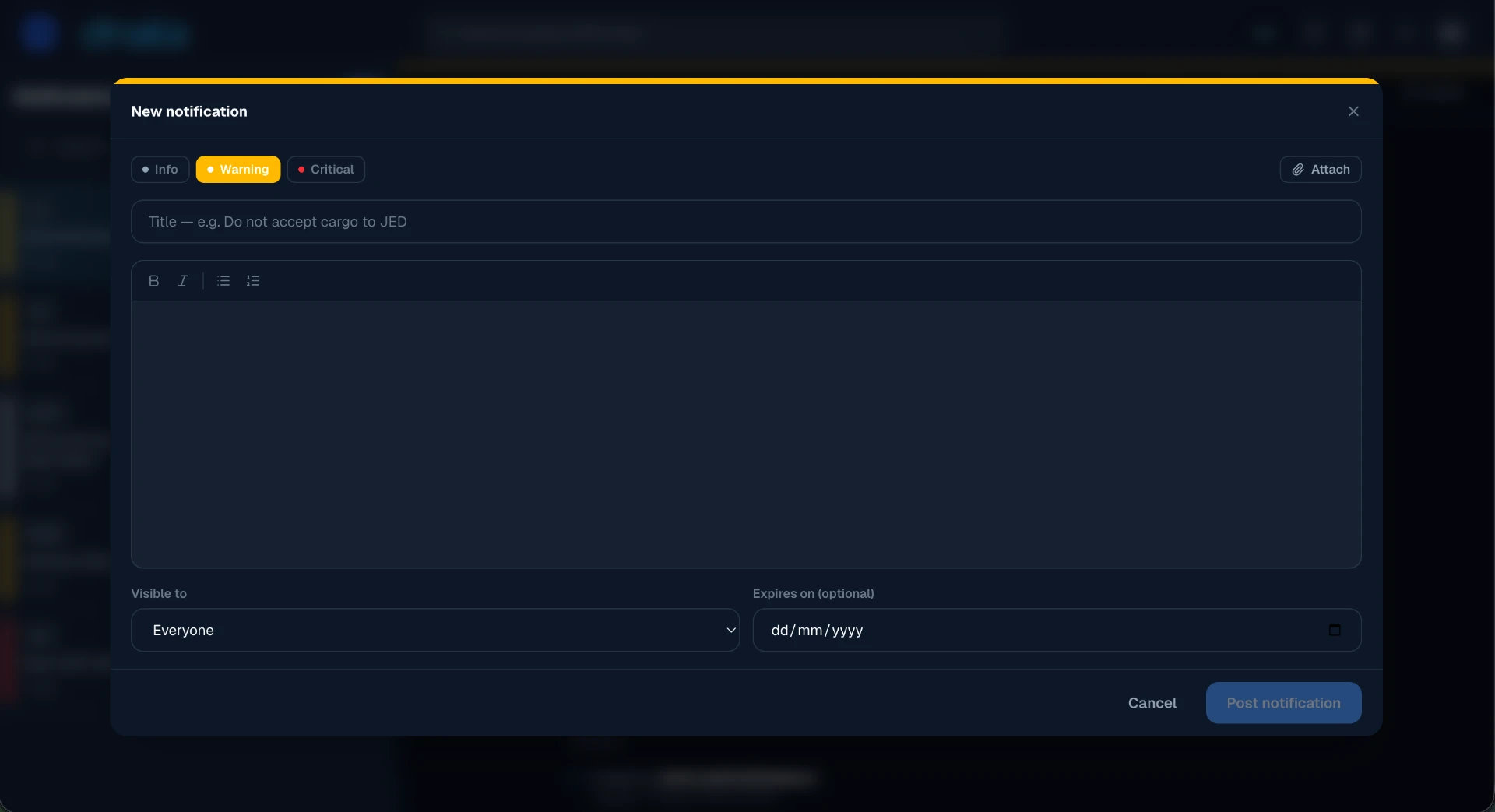
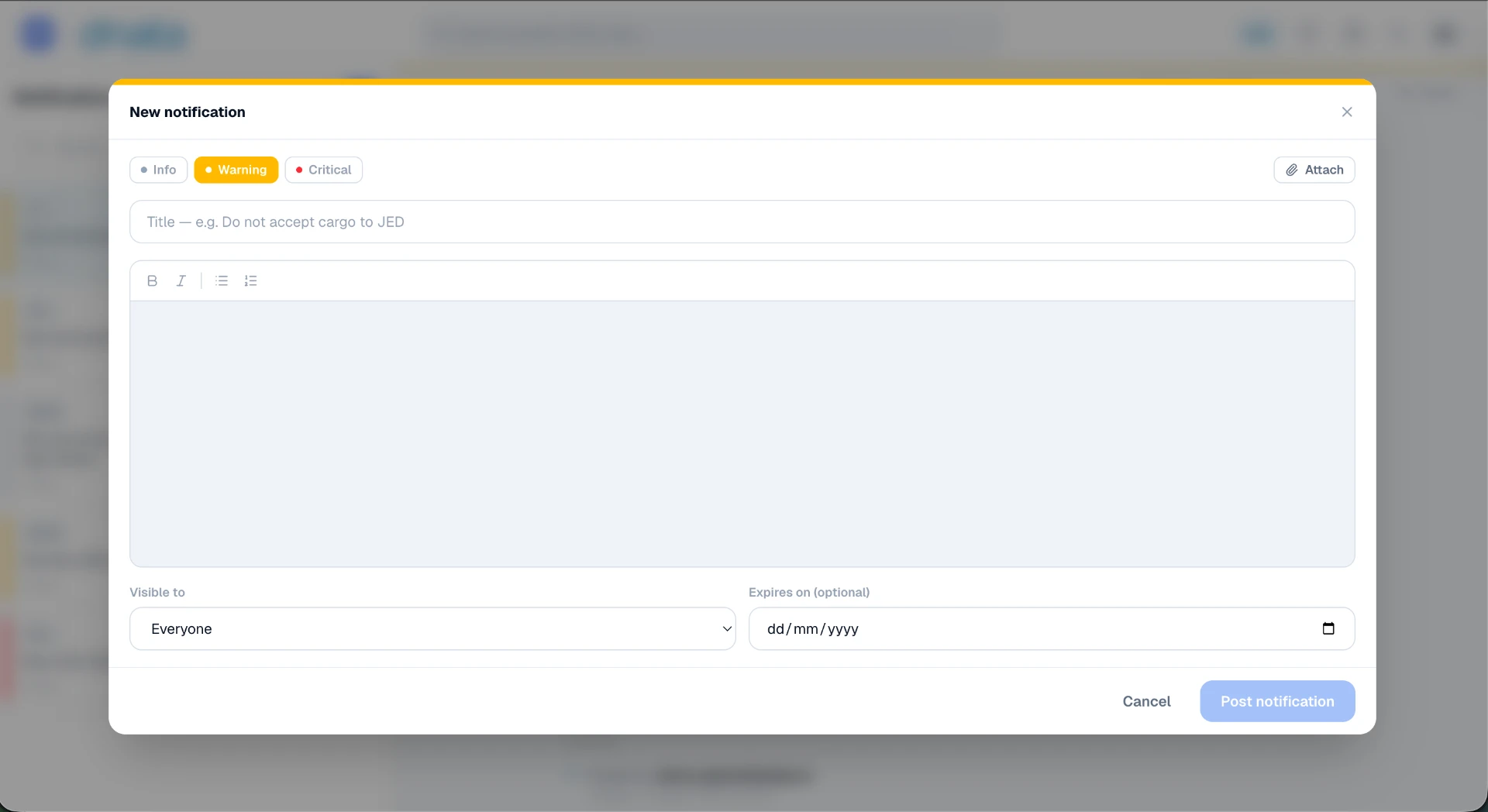
A whiteboard for today's urgent messages
Separate from procedure updates: admins and editors post short alerts for special cases, like "Do not accept cargo to Jeddah today."
Info, warning or critical
Pick how urgent it is so the right ones stand out.
Expiry date
Messages disappear by themselves when they no longer apply.
Seen by everyone?
Each message shows how many people have read it, with a full history of what was posted.
Controlled removal
Only the person who posted it or an admin can delete it.


Everything your team needs, nothing it has to remember
- Find any procedure in seconds
- Follow one clear step at a time
- Handle exceptions without calling a supervisor
- Know who has read every update
Simple. Guided.
Always up to date.
See what changes when a PDF handbook becomes guided steps.
Refer to the index in Appendix C. Procedures are grouped by department and revision date.
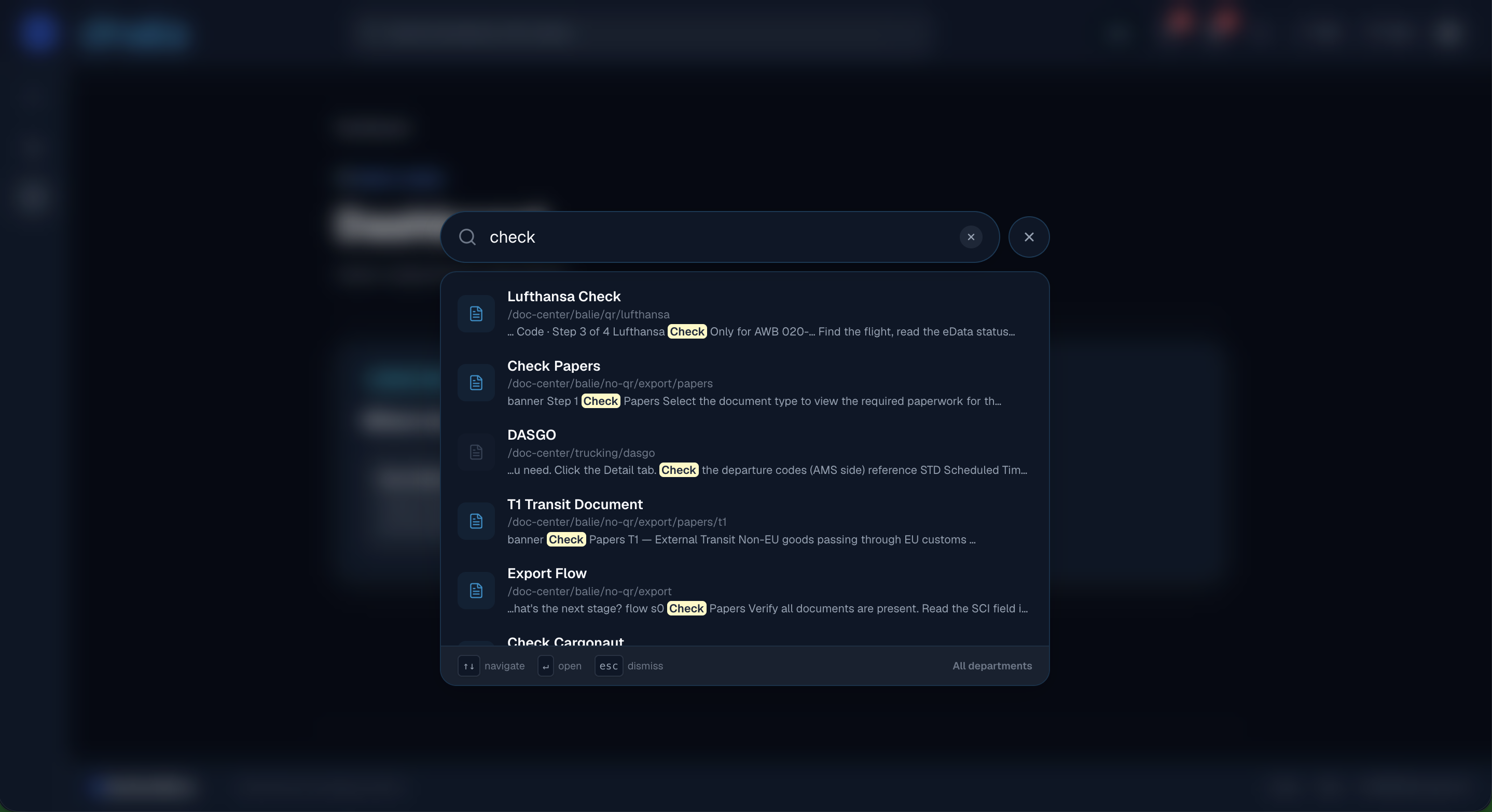
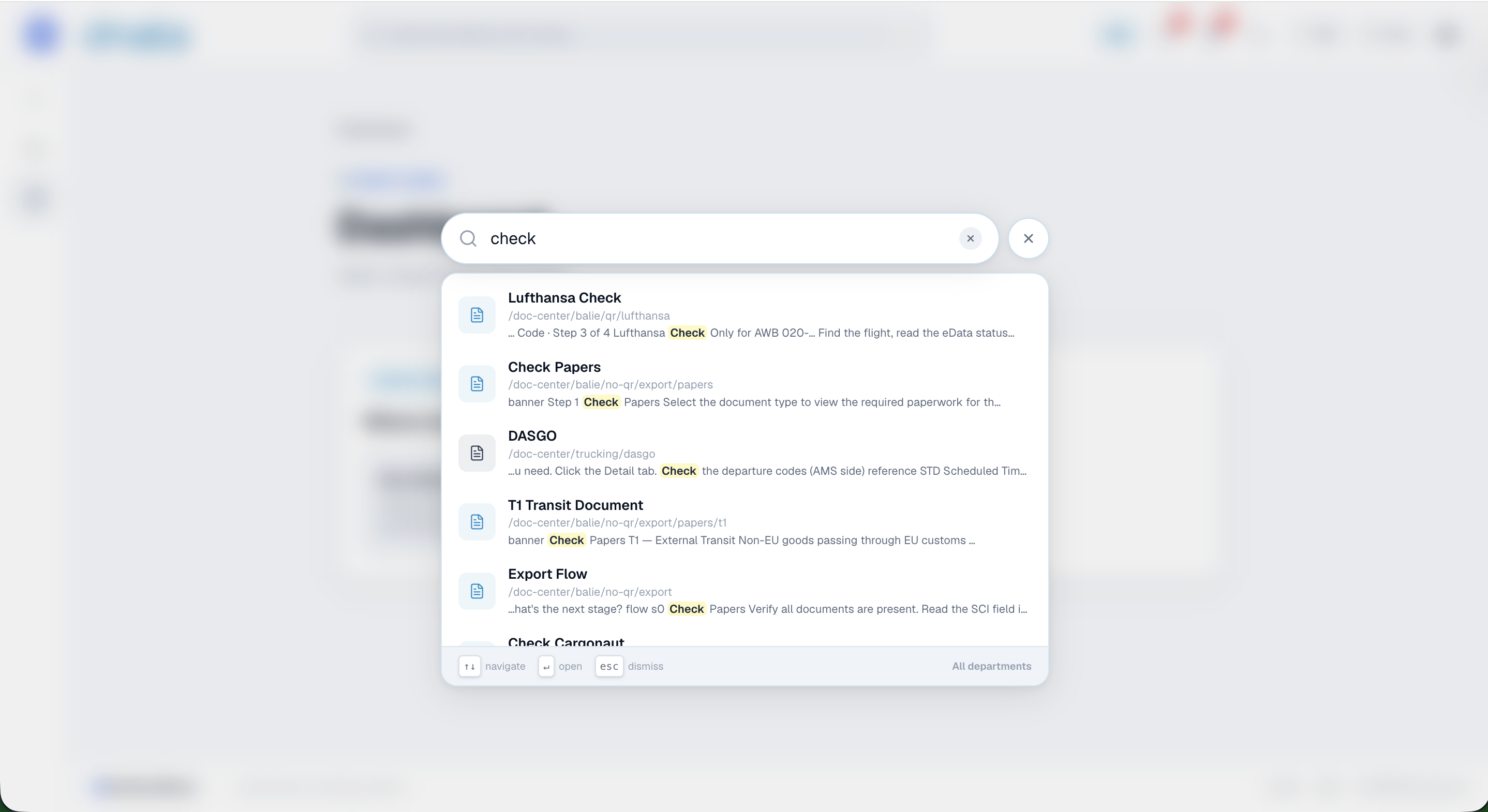
Find any procedure by typing a word — results appear instantly.
Your procedures, under your control
Your own company space
Every company gets its own private workspace and sign-in address.
Clear roles
Admins, editors and staff each see and do only what they should.
Drafts stay hidden
New pages stay invisible to staff until an admin or editor publishes them.
Change history
See who changed what, and when, on every page.
Print when needed
Any page prints cleanly for audits, training or the wall.
Built for large teams
Organise procedures by department, so each team lands on its own work first.
What can HandbookFlows do
for your team?
Frequently asked questions
No. If they can tap a button, they can follow a flow.
See HandbookFlows
in action today
Tell us about your team and we'll show you your own procedures as flows.